“Browser-based” describes where an operation can run. It does not mean the page makes no network requests, contains no third-party code, or sends no analytics, advertising, model, or contact-form data.
The useful privacy question is narrower: what happens to the image or PDF you choose, and what other data flows occur while the page is open?
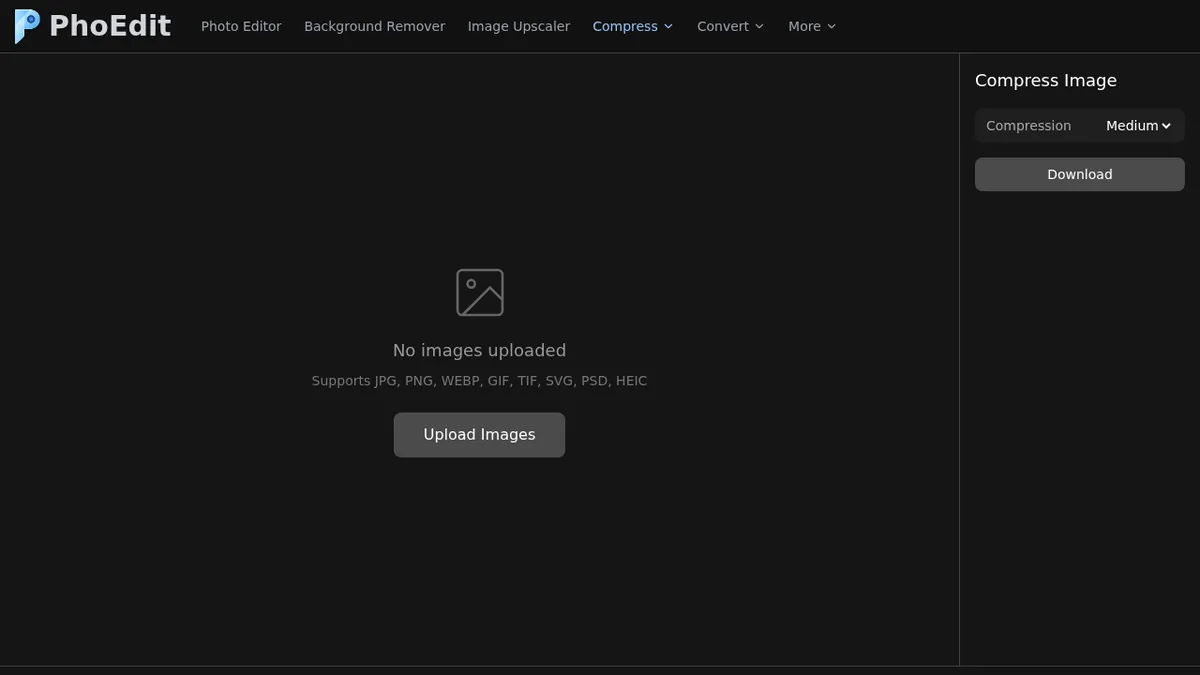
What we observed on Compress Image
We loaded the local PhoEdit Compress Image page in Chromium and read performance.getEntriesByType("resource"). This is the browser Resource Timing API, not a screenshot of the DevTools Network panel.
Initial page loading included:
- first-party PhoEdit CSS and JavaScript;
- Google AdSense resources from
pagead2.googlesyndication.com; - ad-related resources from
googleads.g.doubleclick.net; - Google Tag Manager / Analytics scripts and a page-view request;
- the Tailwind CDN link in the tested build.
Next, we cleared the resource-timing list and selected the 834,049-byte JPEG test file. After one second, the list was still empty: no new Resource Timing entries were observed during that window. This limited observation cannot prove that no request occurred.
| Observation phase | Exact method | Result |
|---|---|---|
| Initial page load | Read all performance.getEntriesByType("resource") entries after network idle |
First-party assets plus Google advertising/analytics resources were present |
| File-selection step | Run performance.clearResourceTimings(), select the JPEG, wait one second, then read the same API |
[] (no new entries observed in that window) |
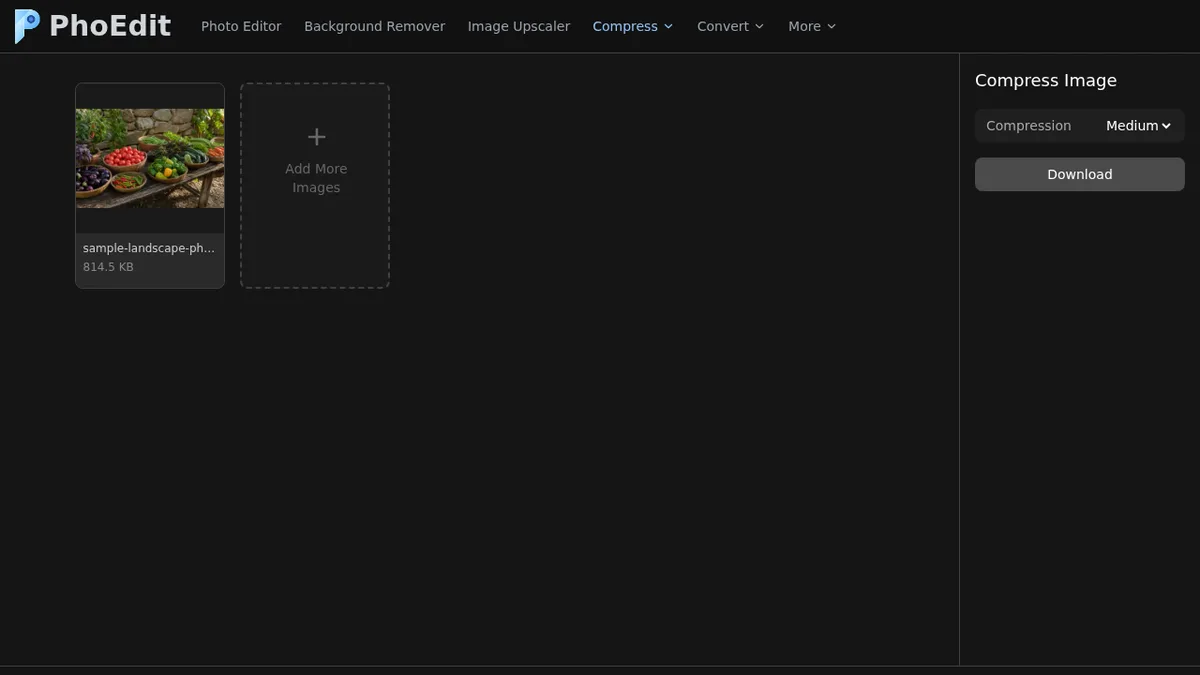
That result is consistent with the tested Compress Image file-selection step staying local, but Resource Timing alone does not prove that conclusion. It does not establish that all site communication is absent or that every byte remains on the device.
Five different data flows
1. Local file processing
The browser can read a file selected through an <input type="file">, decode it, draw pixels to a canvas, and create a downloadable Blob without sending the file to an application server.
PhoEdit’s ordinary compression, resize, JPG/PNG conversion, and Image-to-PDF code follows this browser pattern in the tested build. Browser memory limits still apply, and canvas export can strip metadata.
2. Third-party code and libraries
A locally processed file can still be handled by JavaScript that was downloaded from the website or a CDN. Loading a library reveals normal request information such as IP address, user agent, referrer behavior, and timing to the host serving it.
PhoEdit pages use first-party scripts and, depending on the tool, external libraries. Review About and the Privacy Policy for the maintained service list.
3. External model downloads
AI-backed tools may need model files. In our local tests:
- Compress PDF attempted to load a Ghostscript module and WASM from
models.phoedit.com; - Object Remover attempted to load
migan_pipeline_v2.onnxfrommodels.phoedit.com.
Those requests were blocked by CORS/WAF from the test origin, so the tools did not complete. A model download is not the same as uploading the user’s image, but it is still a network request and should be disclosed.
4. Analytics and advertising
The initial page request inventory included Google Analytics and Google advertising services. These systems can use cookies or similar identifiers, IP address, page URL, device data, and consent state. Advertising behavior also depends on region and the consent mechanism presented to the visitor.
Users should be able to review and change relevant privacy choices. A page should not describe itself as “offline” merely because image pixels are processed in a canvas.
5. Contact forms
A contact form is intentionally a server-bound action. The visitor provides details for delivery to a form processor. That flow is different from selecting an image in an editing tool.
Before submitting, read the notice beside the form and the Privacy Policy. Do not put sensitive information in a support message unless it is necessary and the stated handling is acceptable.
How to verify a browser tool yourself
- Open a private browser window.
- Open Developer Tools and choose Network.
- Reload the tool page.
- Group requests by domain and note scripts, fetches, iframes, and model files.
- Clear the log.
- Choose a non-sensitive test file that you created.
- Perform the operation.
- Look for a request whose payload contains the file, a Blob, or multipart form data.
- Repeat on every tool category; an ordinary resizer and an AI tool may behave differently.
Do not infer privacy only from a padlock icon. HTTPS protects data in transit but does not say which data is sent or who receives it.
What this test does and does not prove
In one Chromium run, choosing our JPEG in Compress Image produced no new Resource Timing entries during the one-second observation window. The same test also observed Google analytics/advertising resources during page load and external model requests from model-backed tools. These are observations from the documented method, not proof that Resource Timing captures every possible network event.
It does not prove:
- that every browser exposes identical timing data;
- that every PhoEdit tool has the same network behavior;
- that extensions, service workers, DNS, or browser telemetry create no traffic;
- that third-party services retain no data;
- that future versions will use the same hosts.
Privacy statements must be updated when code, vendors, or model hosting changes. If you need a workflow with no network access at all, download an audited desktop tool, disconnect the network, and test it with a non-sensitive file before relying on it.
For PhoEdit’s current disclosures and contact details, use Privacy Policy, About, and Contact.